
Workflow Automation
Workflow automation services fix the process that only looks healthy: a reliable employee doing the same thing every day. When they leave, everything stops.
We document those processes, cut the human-as-connector steps, and rebuild them as systems that run consistently whether or not anyone is watching.
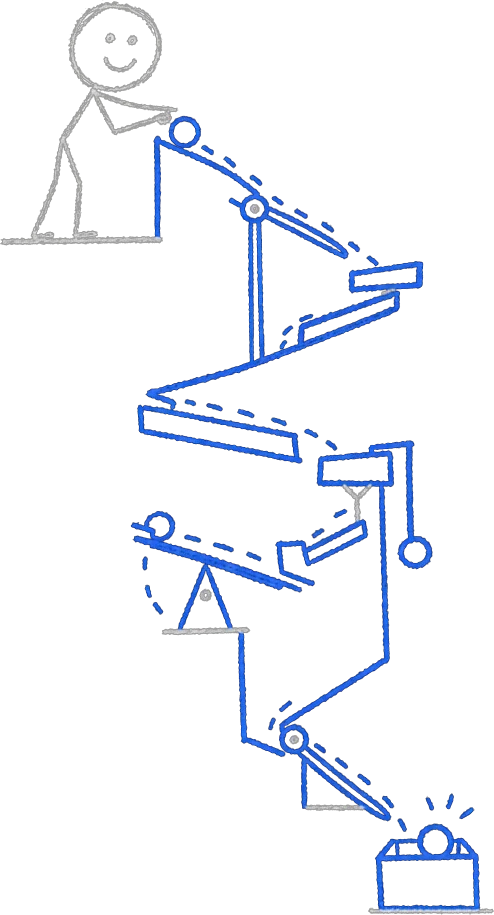
Workflow automation is the practice of taking a multi-step business process and making the handoffs between steps happen without manual effort. The trigger might be a form submission, a calendar event, an email, a file upload, or a time schedule. What follows is a sequence of actions: data moves, people get notified, records update, documents generate, and approvals route to the right person.
This suits businesses where growth is being held back by the same recurring work. Onboarding a new client takes three people two days. Closing a job requires someone to update six different places. Monthly reports take half a Friday. Workflow automation addresses each of those by design, not by accident.
Which Processes Do We Typically Automate?
The specifics depend on your industry, but the categories below cover most of what we see. We identify the ones with the highest return during the diagnosis session.
Client onboarding sequences
See the service
Job and project status updates
Employee offboarding checklists and access revocation
Purchase order approval routing
Monthly financial report assembly
See the service
New lead qualification and CRM entry
See the service
Recurring compliance checks with automatic documentation
Service renewal reminders with tiered follow-up
Field service job scheduling and dispatch
Customer satisfaction follow-ups after delivery
See the service
How Do We Scope and Build?
Every workflow automation starts with a process map. We sit with the people who do the work, not just the managers who describe it. The map shows every step, every decision point, and every place where a human is performing a task a system could handle.
From that map we produce a ranked build list. We build the highest-return workflow first, test it against real data, then hand it over before starting the next one. You see value within weeks, not quarters.
Common Questions
How do you handle exceptions and edge cases in a workflow?
What triggers can you use to start an automated workflow?
Will automation change how my team works?
Do workflow automations require ongoing maintenance?
Outcome
Keep Exploring
Business Automation
The full capability: identifying the manual computer work that drains your team and building systems to replace it.
Read more →AI Integration Services
Wire AI to the tools you already run so data flows without anyone moving it.
Read more →Custom AI Agents
Purpose-built digital workers for research, drafting, analysis, and follow-up tasks.
Read more →